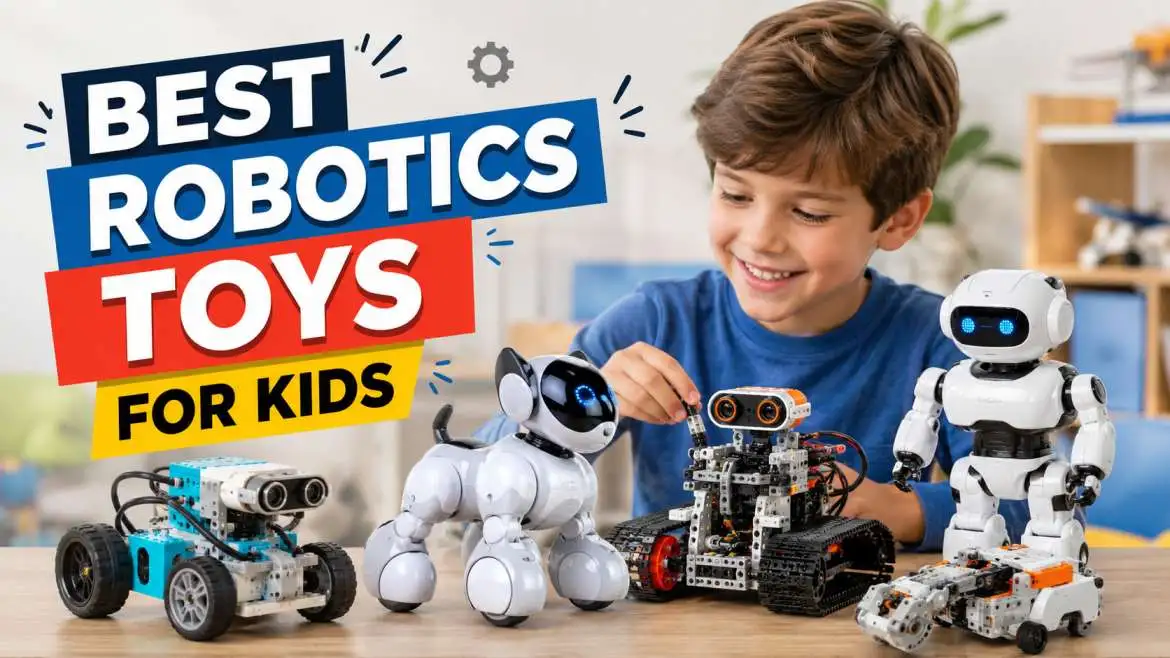
Robotics toys for kidsare great tools that let children learn about science and building through direct play. Kids get to connect real blocks, gears, and motors together instead of just watching a video on a screen. They learn how to solve problems on their own when they write simple computer steps to make their creations move around the room. You can find simple models with buttons for very young children and harder kits for older students, which makes engineering feel like a fun game for any family.
Why Every Child Needs Tech Play Assets
I have spent ten years testing learning gear with young students. I know that true growth happens when a child interacts with physical items. Screen time alone can feel dull and flat after a while. When you give a child a physical machine to build, their whole world changes. They use their hands to connect wires, snap plastic bricks together, and see ideas come alive. This type of active play builds strong pathways in the brain.
Physical play teaches children how to deal with failure. If a machine does not move correctly, the child must find the error. This process builds patience and grit.
You may also read :-Toy of the Day for Kids: Latest Trending Toys Reviewed by Experts
The Big Growth in Robotics Toys for Kids
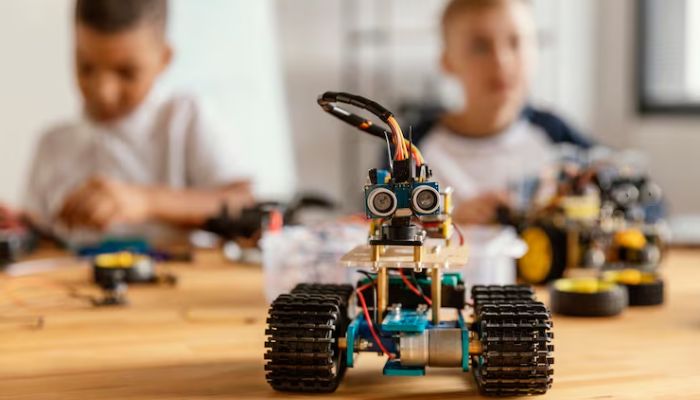
Parents always ask me how to prepare their family for the future. The answer is simple: make tech learning fun right now. The market for interactive learning tools is growing very fast today. Schools use these play tools to teach basic logic. You can bring that exact same classroom benefit straight into your living room. Children do not even realize they are practicing engineering.
These tools do much more than just sit on a shelf. They challenge young minds to think ahead, plan steps, and change actions based on results.
What to Look for Before Buying
You must check a few important details before you buy any high-tech item. First, look at the age rating on the box. A tool that is too hard will cause bad frustration.
Second, check the software requirements. Some sets need a smartphone or a tablet to work. Make sure your home devices can run the application smoothly.
Third, consider the material quality. Young creators can be rough on their gear. Look for thick plastics, strong metal screws, and solid wire connections.
How Tech Gear Builds Real Brain Power
When a child builds a mechanical unit, they practice spatial awareness. They learn how top pieces connect to bottom pieces. They see how gears turn each other to create motion.
This play also introduces basic math concepts. Children measure distances, count gear teeth, and estimate angles. It makes numbers feel real instead of just marks on a school worksheet.
Choosing a Robot Toys for 7-year-old kids
Seven is a very special age for young minds. Children at this age leave basic play behind and want real challenges. They have the fine motor skills to snap small parts together tightly.
Arobot toys for 7 year oldchild should offer instant success. They need to see a result within fifteen minutes of opening the box. If the build takes three hours, they might lose interest.
Look for models that use simple color codes or large buttons for control. These features let children understand cause and effect without reading long blocks of text.
Simple Remote Options for Success
Many great models for this age group use a basic hand controller. The child presses an arrow, and the unit moves forward. This action teaches spatial direction instantly.
Some units also respond to hand gestures or loud sounds. A child can clap their hands to make the machine spin around. This interactive play keeps young energy levels high.
The Power of Visual Block Coding
Visual block software uses colorful icons on a screen. Children drag a "move forward" block and attach it to a "turn right" block. It looks just like a digital puzzle piece.
This method eliminates the need to type complex code lines. It teaches the pure logic of computer programming through clear shapes and bright colors.
The Best Robot Building Kits for Kids to Try
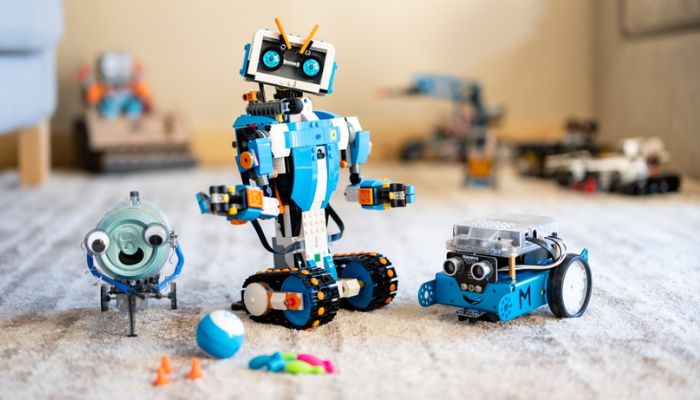
Older children need deep challenges that push their creativity. Arobot building kits for kidspackage offers a large box of raw parts, motors, and smart sensors. These packages do not just build one single machine. They allow children to build a car, a dog, or a crane using the exact same components. This open-ended design offers massive play value.
This creative cycle shows children that they can create any invention they can imagine. It shifts their mindset from consuming technology to actively creating it.
Discovering Sensors and Real Movement
Sensors act like the eyes and ears of a machine. An infrared sensor can detect a solid wall before the machine crashes into it. The machine can then choose a new path. Using these parts teaches children how real automation works in factories and self-driving cars. It grounds high-tech concepts in everyday physical reality.
Transitioning to Real Code Text
When children master puzzle blocks, they can step up to written language lines. Many modern kits let users flip a switch inside the app to see real text code. This features helps children connect visual shapes with professional computer code. It creates a smooth path toward high school computer science classes.
How to Set Up Your Home Tech Laboratory?
You do not need a giant budget or a fancy school classroom to start this journey. A clean kitchen table or a smooth wooden floor works perfectly for testing.
Expert Guide Note:Keep a small plastic bin handy to store loose screws, small plastic pegs, and charging cables. Losing one tiny piece can stop a whole build project.
Encourage your child to clear a workspace before they begin. Good organization prevents parts from rolling off the table and getting lost in deep carpets.
Managing Screen Time with Physical Building
Parents often worry about total screen use. The great thing about mechanical kits is that the screen is just a tool, not the main focus. Children spend eighty percent of their time building with their hands. They only use the screen for a few minutes to upload their code directions. This balances physical work with digital learning.
Joining Local Community Clubs
Look for local youth groups that host weekend building challenges. Sharing ideas with other young builders makes the hobby much more social and exciting. Friendly team events teach children how to work together. They learn to listen to different ideas and combine design strengths to solve tough tasks.
Top Picks for Every Growing Age Category
| Age Group | Key Features to Look For | Skill Focus |
| Ages 5 to 6 | No screens, big buttons, cute character shapes | Basic direction logic |
| Ages 7 to 9 | Block programming, snap-together parts, simple sensors | Cause and effect |
| Ages 10 and Up | Real text code options, metal parts, multiple motors | Advanced engineering |
Expert Insights on Creative Child Play
Dr. Amanda Sterling, a top child development scientist, states:
"When a child commands a machine to move, they gain an incredible sense of personal mastery. They realize they can control technology rather than just watch it pass by."
My personal experience matches this finding completely. I watched a shy nine-year-old boy build a simple moving machine last winter. His face lit up with pure joy when the wheels spun for the first time. That confidence spread right into his school math and science scores.
Summary of the Best Tech Play Methods
Choose tools that match your child's current development level. Focus on physical assembly first, then add simple software controls later. Let your child make mistakes and find their own solutions.
Keep your testing areas clean and organized. Support your child's curiosity by asking open questions about how their invention works. Tech play is an investment in your child's thinking skills.
Frequently Asked Questions
Do robotics toys for kids require advanced computer knowledge from parents?
No, you do not need a computer degree to help your child. Most modern kits include simple visual setups and step-by-step video guides within the application. Parents can learn the basic steps right alongside their children during play.
How much screen time do these building kits actually require?
Most kits use very little active screen time. Children use a screen for ten percent of the time to arrange code blocks. They spend the remaining ninety percent of their time planning, building, and testing the physical parts on the floor.
Can a robot toys for 7 year old child help with school work?
Yes, these items help with school performance. They teach children how to follow complex multi-step directions, practice basic math counts, and solve problems logically. These skills directly improve science and reading scores.
Are robot building kits for kids safe for younger siblings to be around?
You must check the box for small part warnings. Many advanced engineering kits contain tiny plastic pegs, small metal nuts, and rubber bands. Keep these small parts away from toddlers who still put toys in their mouths.
What should I do if my child gets stuck on a build step?
Do not fix the issue for them immediately. Ask your child to look back at the last working step in the guide book. Encourage them to check the wire connections and battery levels on their own to build real confidence.